
SUBMIT REQUEST TO DEVELOPER (Only for KKAA)
Open web link https://qlda.hausvietnam.com/login
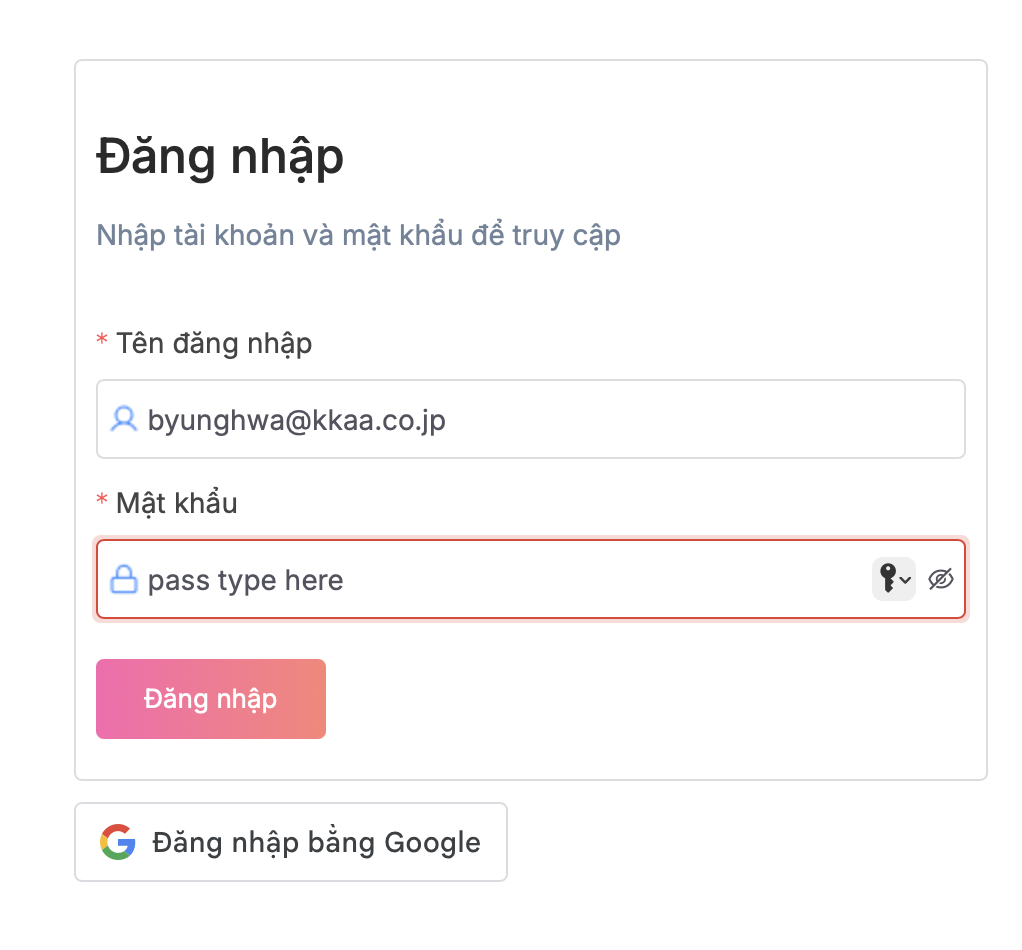
1. Login with username (email )
2. Password provide by IT
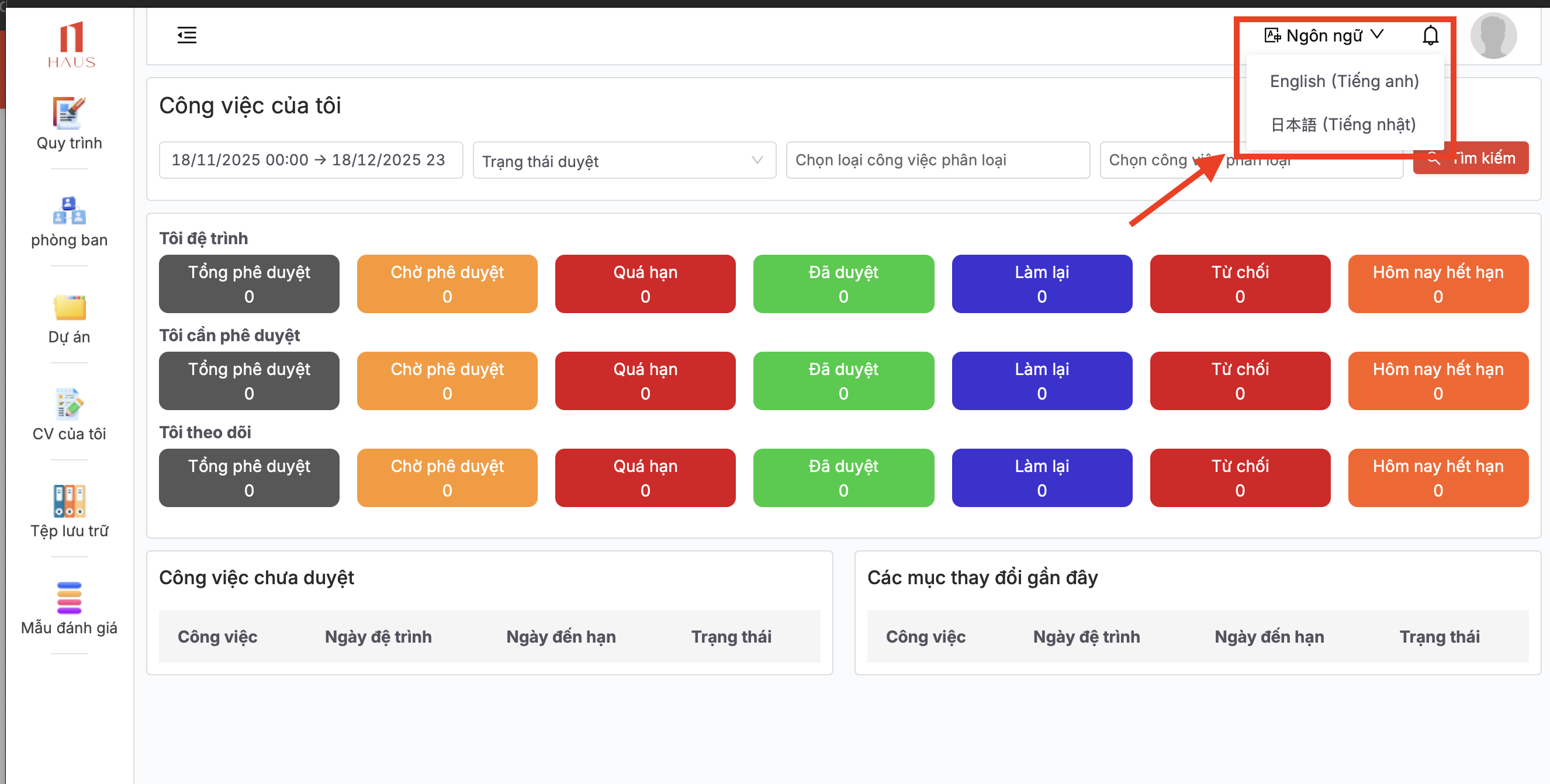
3. Change your language after login
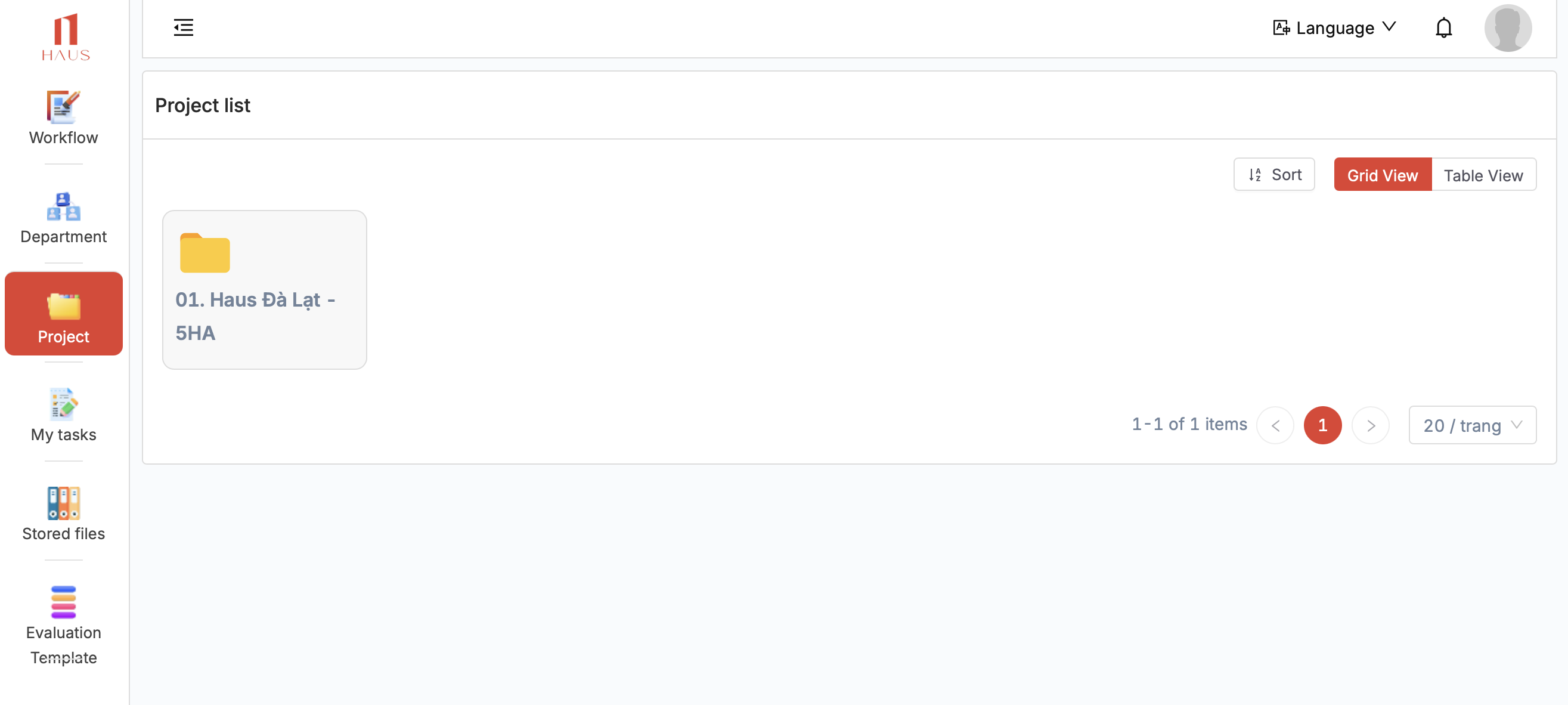
3. Click Project > HAUS DA LAT or open quick link https://qlda.hausvietnam.com/cong-viec/cong-viec-du-an/LAD.DL.HAUSDALAT-5HA?id=e0f474b6-c1c4-43e8-a24a-067414fa3ee8
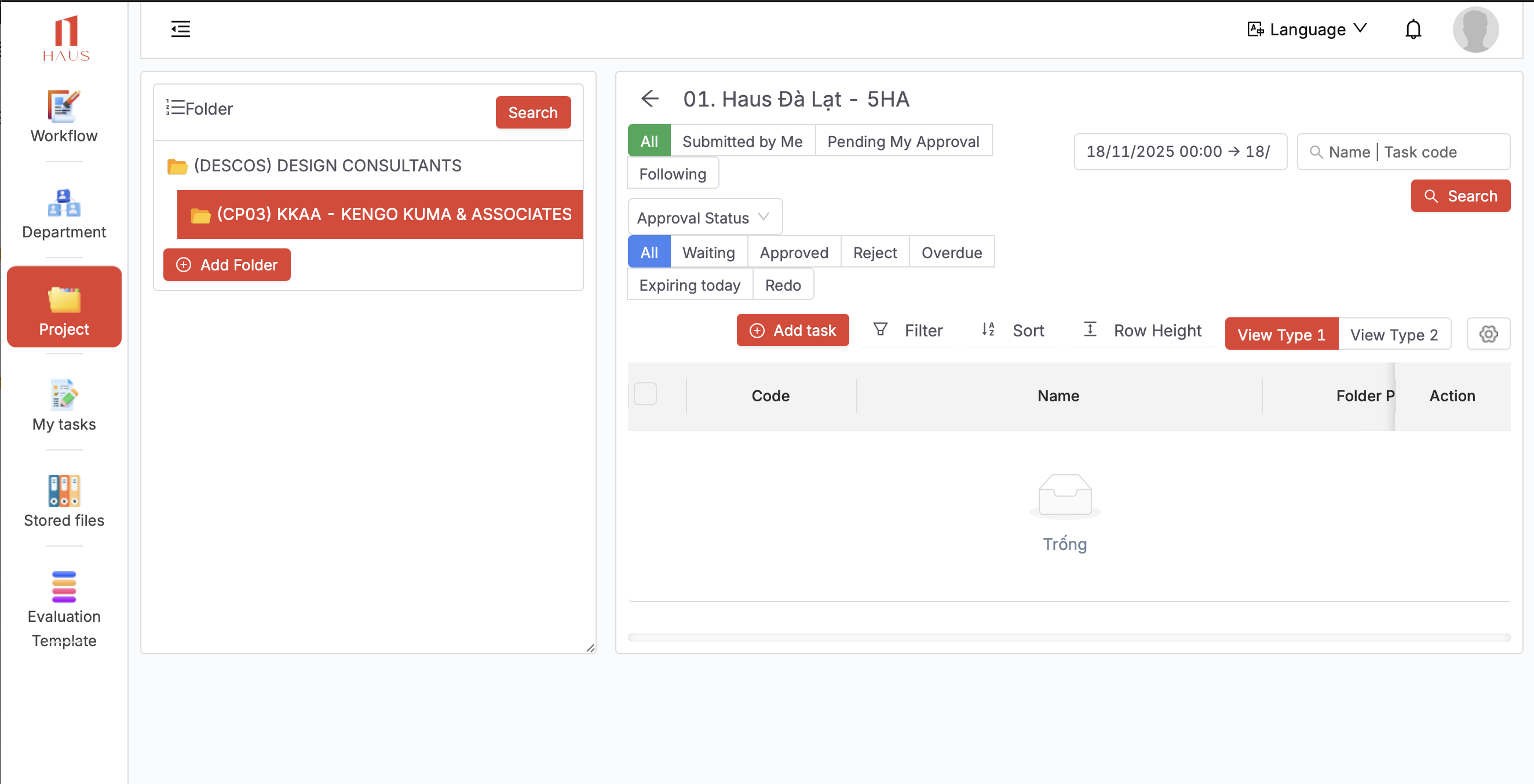
5. Select Folder (CP03) KKAA - KENGO KUMA & ASSOCIATES
-------------------
Create a new Request (TASK)
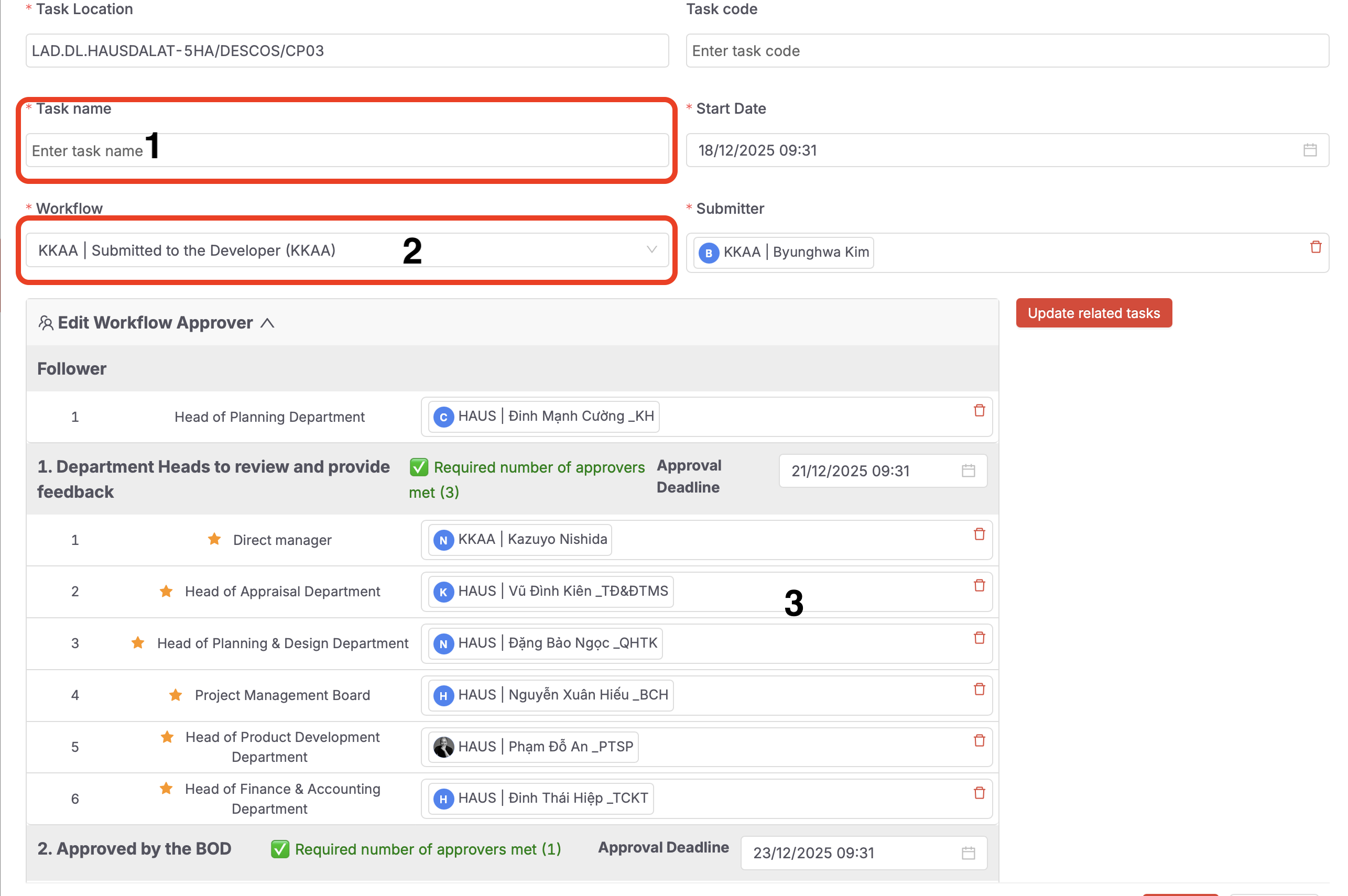
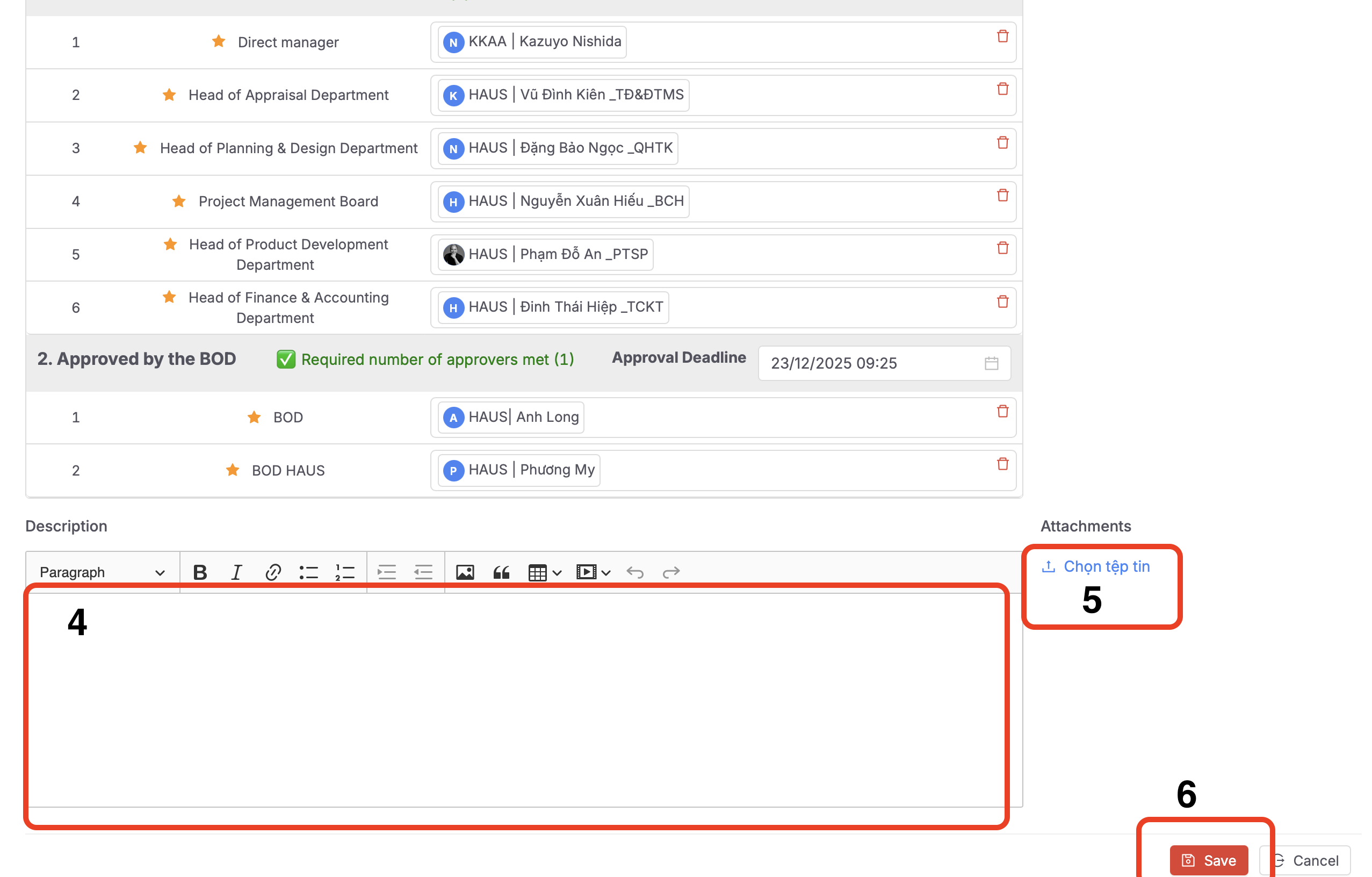
Steps to create a new task:
-
Enter the task title (similar to an email subject).
-
Select the workflow according to the provided instructions.
-
Review the list of participants who will be involved in reviewing and providing feedback.
-
Enter the task details in full (similar to the body of an email).
-
Attach files if you want to include shared documents with the task.
-
Click Save to complete the creation of the new task.