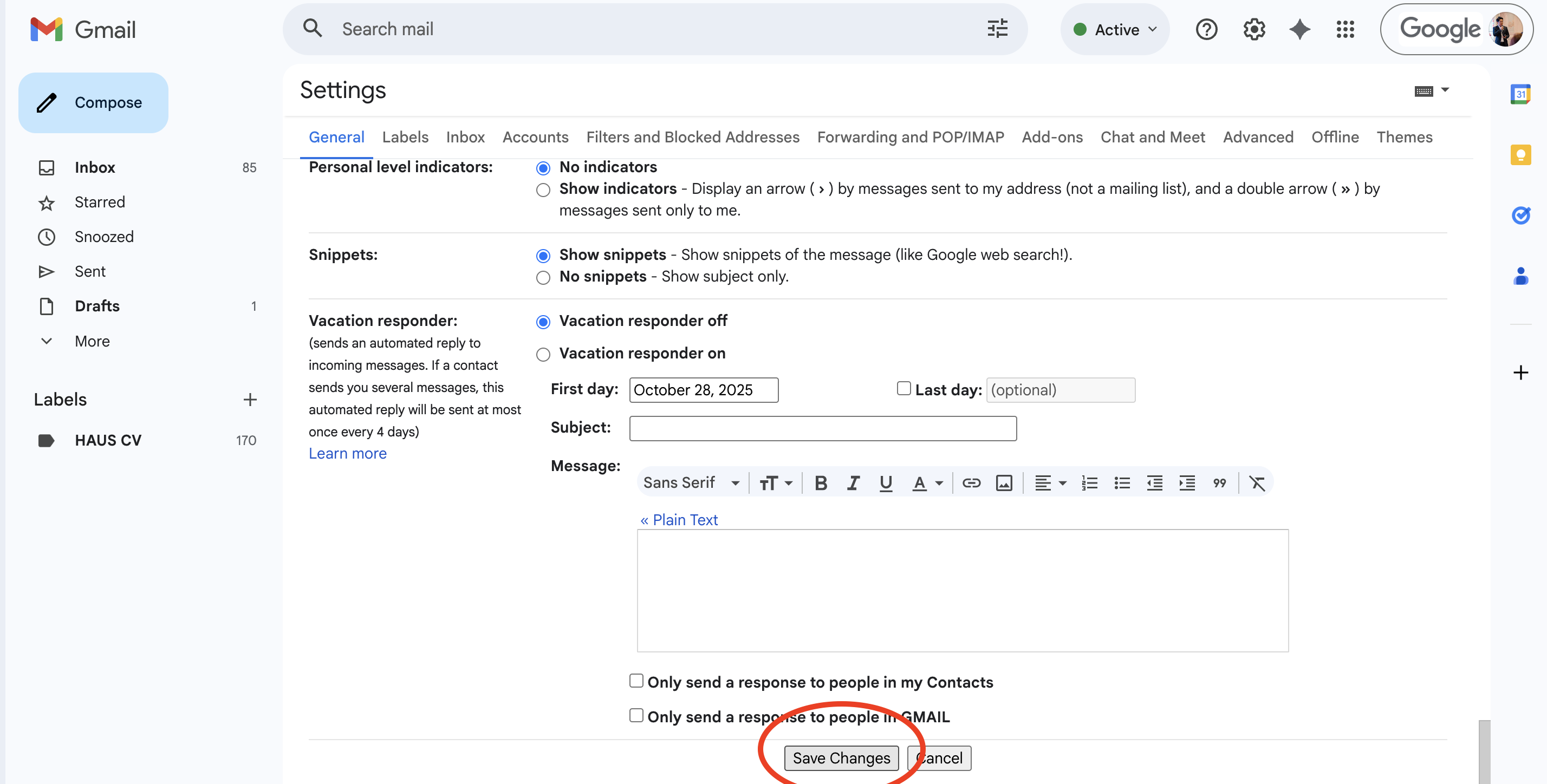
Hướng dẫn thêm chữ ký vào email
-
Mở email công ty
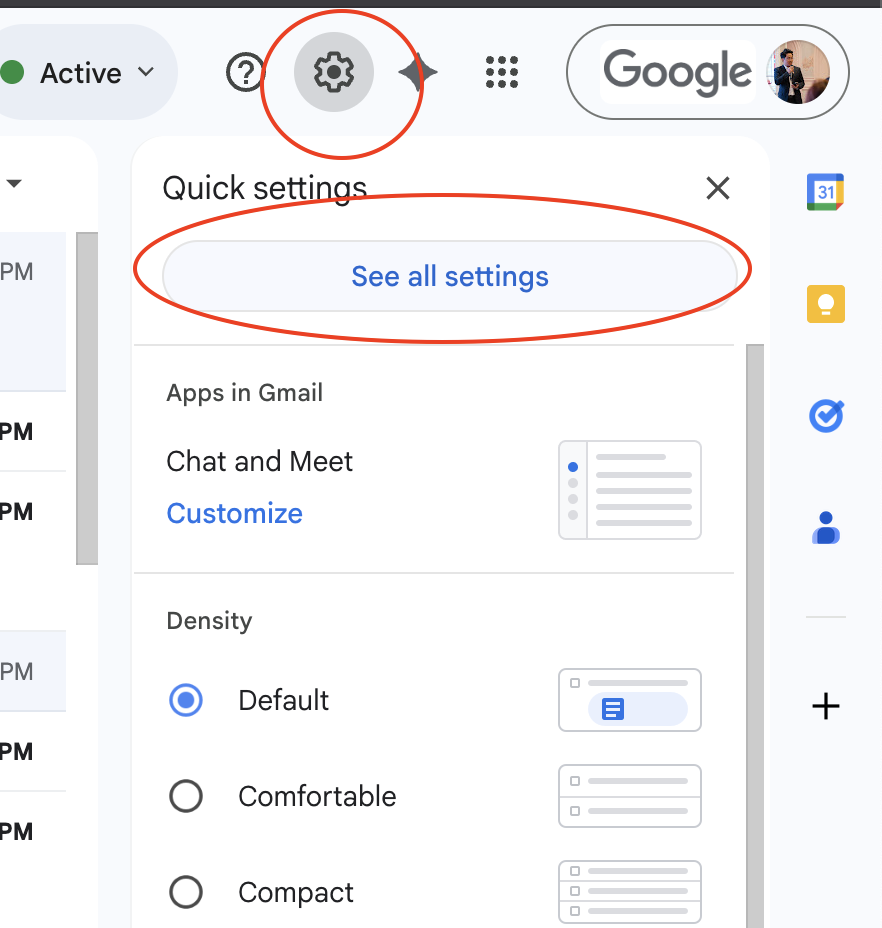
Bước 2 :
Tìm tới mục General > kép xuống phần Signature > chọn nút thêm mới (Create New)
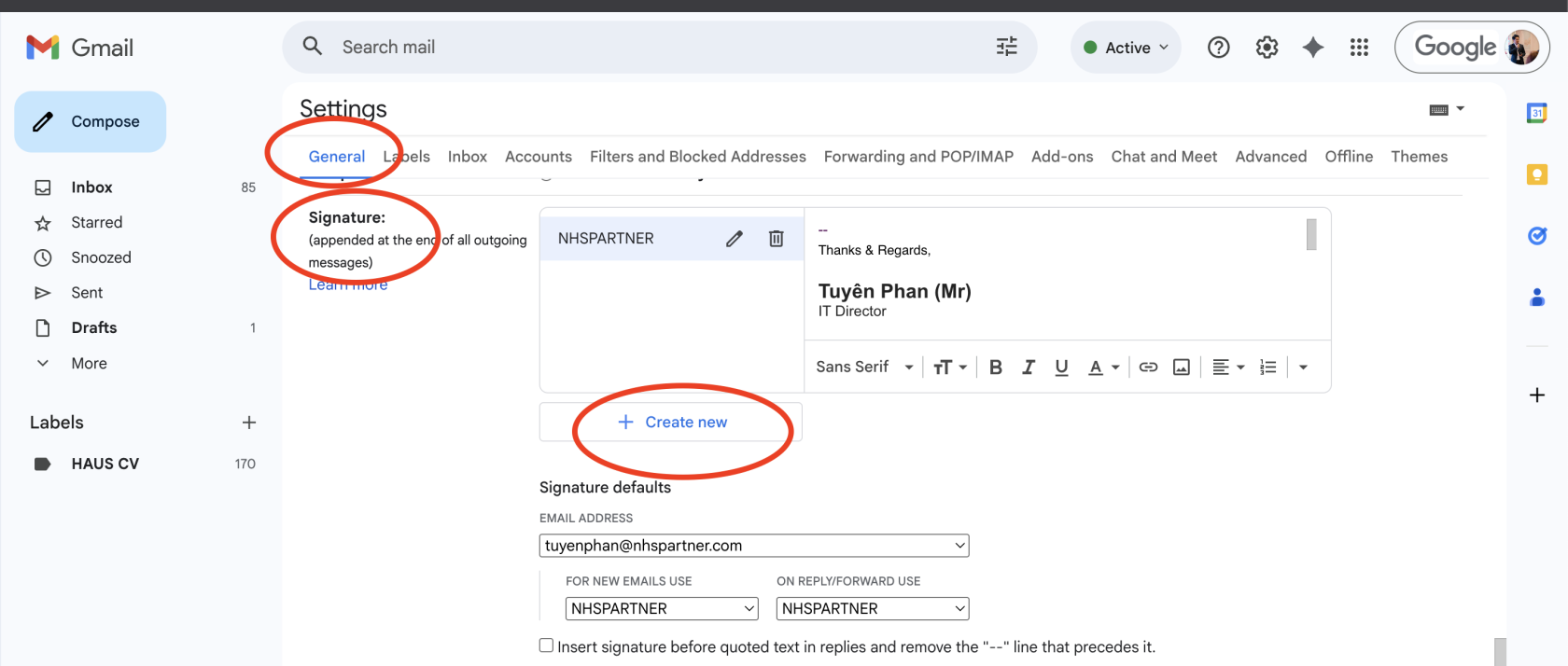
Bước 3: đặt tên cho chữ ký đính kèm vào email
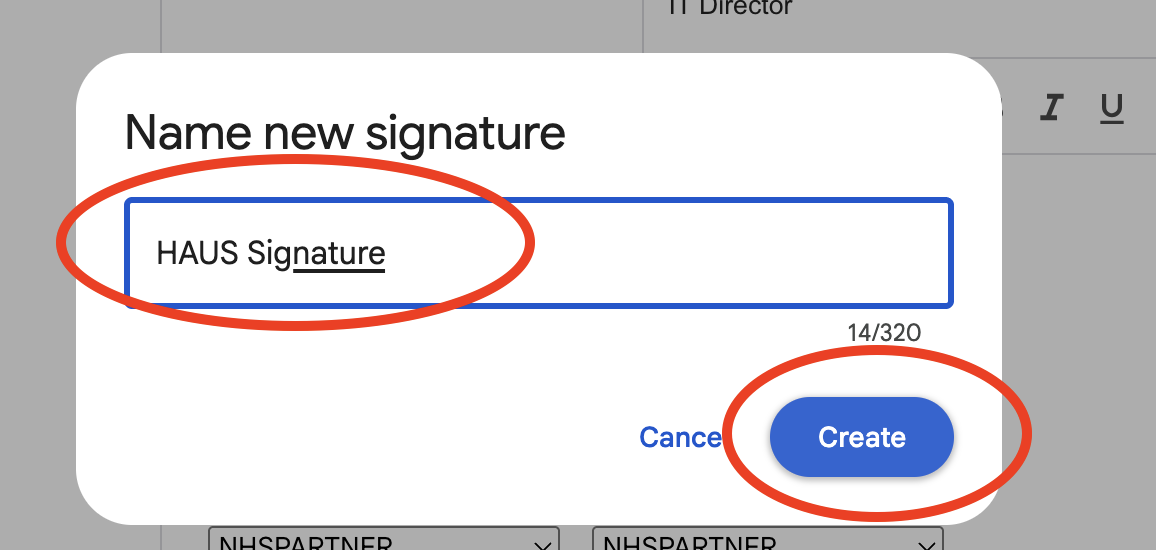
Bước 4 :
Copy đoạn chữ ký sau vào như hình
--
Thanks & Regards,
Thay Tên của bạn (Mr)
Thay Chức danh của bạn

Floor 21, Vietcombank Financial Tower
No. 5 Me Linh Square, Ward Saigon,
Ho Chi Minh City, Vietnam.
No. 5 Me Linh Square, Ward Saigon,
Ho Chi Minh City, Vietnam.
"This e-mail is confidential. It may also be legally privileged. If you are not the addressee you may not copy, forward, disclose or use any part of it. If you have received this message in error, please delete it and all copies from your system and notify the sender immediately by return e-mail"
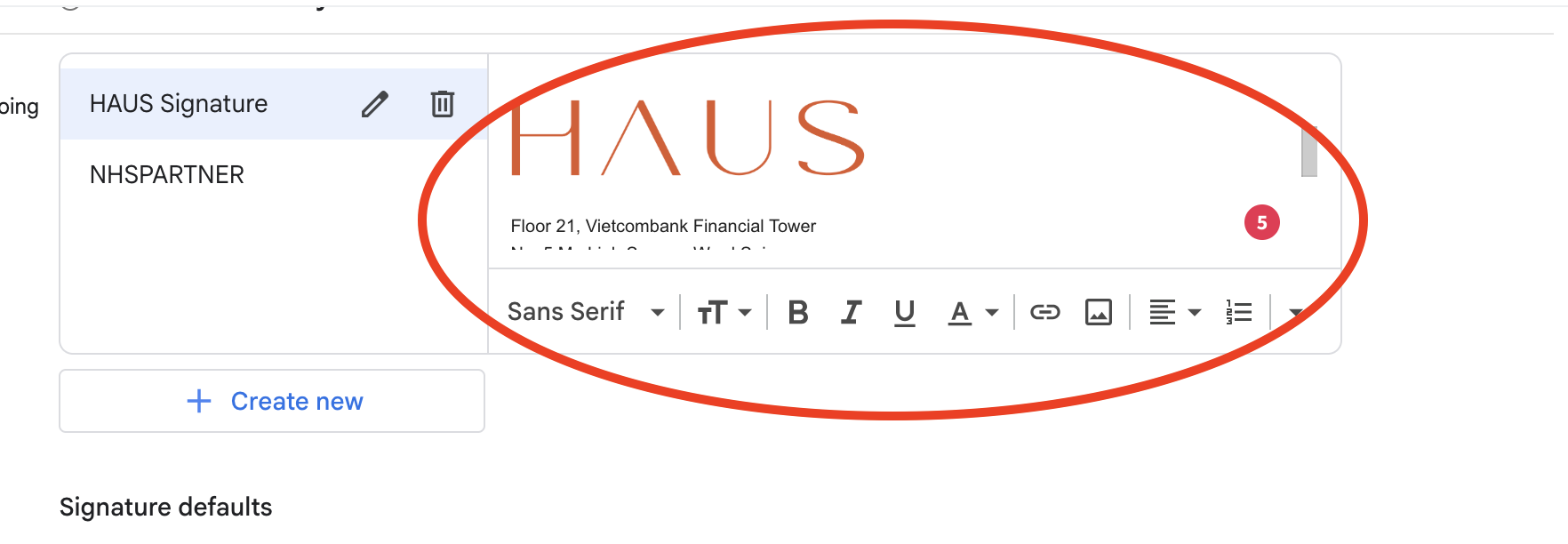
Bước 5: Lưu lại thông tin.